Data stays local
The application runs on your computer or server through Docker. Database credentials are not moved to an external SaaS service.
 ARGEKA Sync
Self-hosted mini ETL
A compact data transfer tool for teams that need scheduled one-way movement between PostgreSQL, Microsoft SQL Server and MySQL/MariaDB without sending database credentials to a third-party SaaS platform.
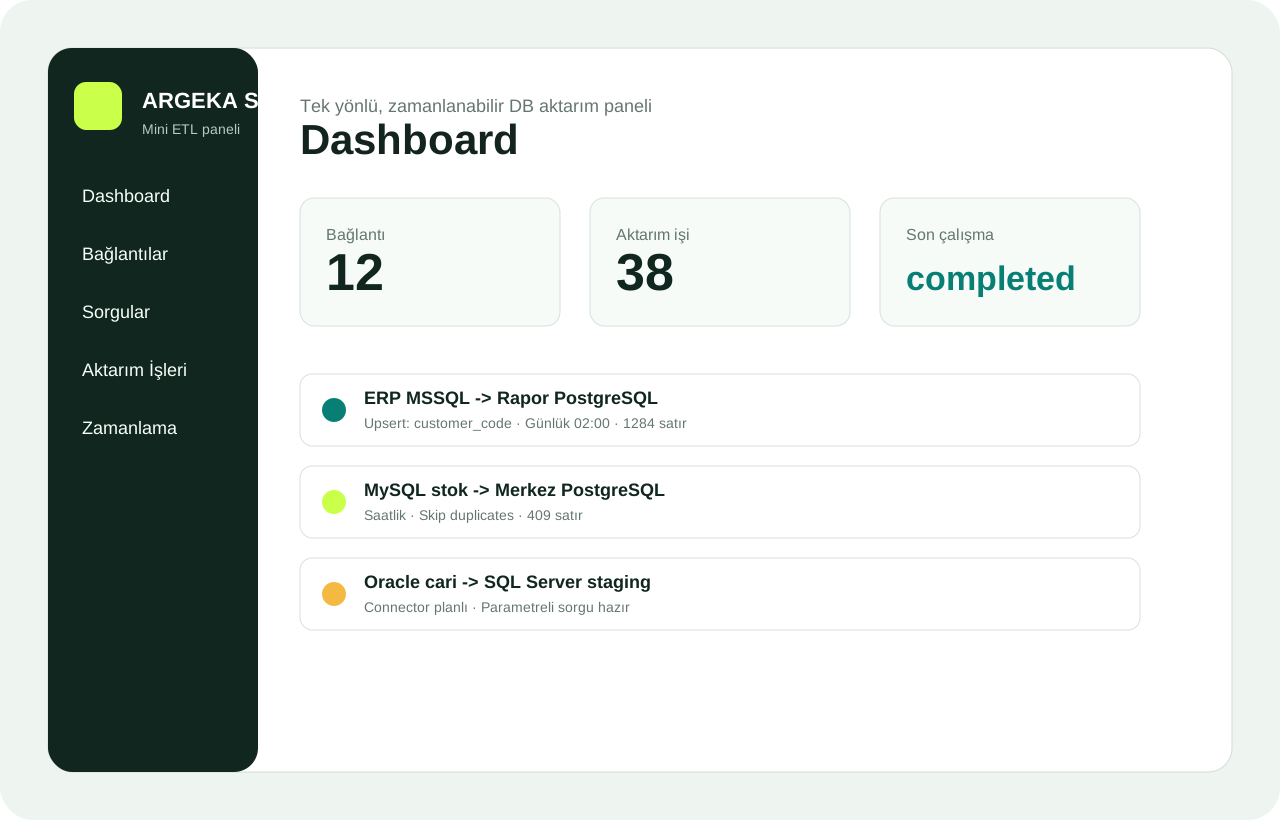
Operational teams often move ERP, reporting and quality data with manual exports, temporary scripts or copied SQL files. ARGEKA Sync turns that fragile routine into a visible flow: connection, parameterized query, column mapping, write policy, schedule and run log.
The tool is intentionally one-way by default. That makes it easier to review, test and explain before production use. It is designed for technical users who want control over SQL and database boundaries.
The application runs on your computer or server through Docker. Database credentials are not moved to an external SaaS service.
Queries stay visible and parameterized. Teams can review date filters, company codes, status fields and performance risks.
Each run can be checked through read, written, skipped and failed row counts.
A data transfer job is not only a table copy. In ERP and reporting environments every field has a business meaning: customer code, stock item, lot number, production order, quality result, shipment date and accounting period may all affect the final report. ARGEKA Sync makes the flow explicit by separating connection, query, mapping, write policy, schedule and run log.
This structure helps technical teams review what is actually being moved. SQL remains visible, column mapping becomes a contract between source and target, and error policies can be selected according to business risk.
Before a job is published, teams should test a normal record, an exception record and a record expected to fail. The normal record proves the happy path, the exception record proves the business rule, and the failure record proves that logging and error policy are working.
A reliable transfer flow starts before the first schedule is enabled. The team should define why the data is being moved, which source query represents the correct business rule, which target table will receive the data and how exceptions will be handled. Without these decisions, a job may technically run but still produce reporting errors.
ARGEKA Sync is built around that operational discipline. It does not hide the SQL behind a black box. The query stays visible, mappings are explicit, write modes are selected per job and run logs show whether data was read, written, skipped or failed. This makes the tool useful for ERP, reporting, quality and operations teams that need a small but reviewable integration layer.
Common scenarios include moving daily ERP invoice summaries to a reporting database, preparing stock movement data for a dashboard, copying quality nonconformance records to an analytics table or transferring customer balance snapshots from a source database to an operational report store. In each scenario, the value is not only automation; it is repeatability and visibility.